Data is processed on the device
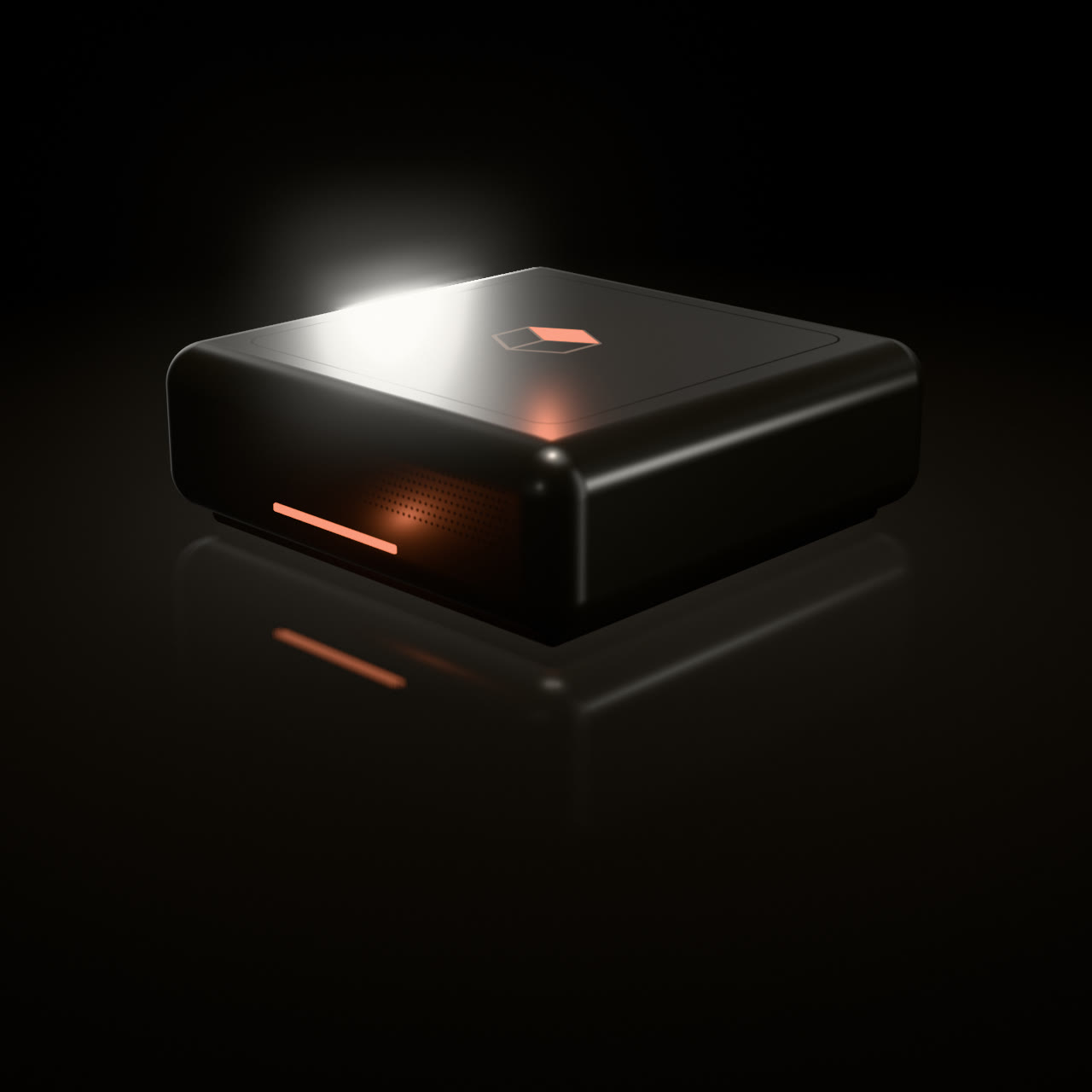
Mercury
Personal AI for professionals
No limits
No clouds
No subscriptions
No VPN
How to use it
-
Just bring it to the office or home and put it on a desk
-
Connect it to your local network. The network can have internet access or be closed
-
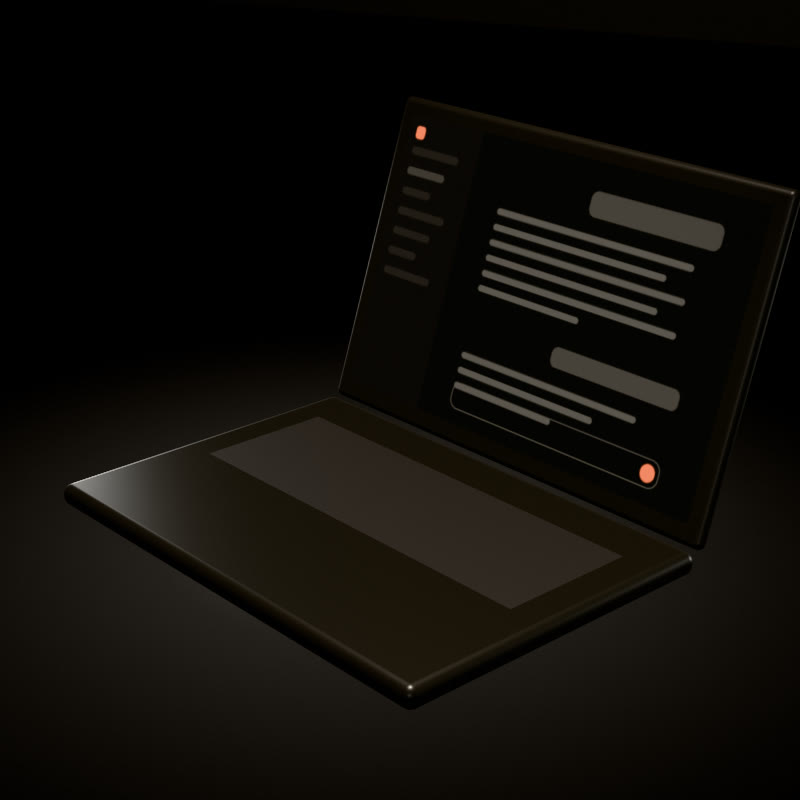
From any computer: work or personal, Windows, macOS, Linux. Just open the device’s address in a browser — and all its power is in your hands
-
Connect to the device from anywhere in the world and, wherever you are, all your tasks are processed on the device with no loss of privacy

Security
No software to install on your computer
Your data goes nowhere. EVERYTHING, without exception, is processed on the device
The internet is off. Turn it on when you need it
for search, research, email, …
Foreign AI providers no longer train on your data
Technology
Hardware and software in one device
Hardware
Inside — the NVIDIA GB10 superchip
NVIDIA GB10 Grace Blackwell superchip
CPU — 20 cores
Up to 1 petaFLOP for AI
A petaFLOP is a quadrillion operations per second
128 GB memory
Shared by the CPU and the GPU
1–4 TB storage
SSD
Connectivity
Wi‑Fi, Bluetooth, USB, HDMI
Main model
Holds the conversation and handles any task
177billion parameters
Conversation
Documents
Helpers
Schedule
Code
Email
Calendar
Design
Workshop
Specialised models — top quality for specific tasks
Video
- StudioPika H3 Flex
- Camera footage reviewYOLO26 · soon
Audio
- Voice-overQwen3‑TTS
- Meeting minutespyannote · soon
- Transcription in other languagesQwen3‑ASR · soon
- MusicACE-Step 1.5 · soon
Images
- Picture from a descriptionZ-Image‑Turbo
- Edit a picture with wordsQwen‑Image‑Edit · soon
- Remove backgroundBiRefNet · soon
- Find and countSAM 3.1 · soon
- 3D model from a photoTRELLIS.2 · soon
Other
- Sales forecastChronos-2 · soon
Our own harness
The model reasons — the harness turns it into work
model
ContextToolsStatePermissionsChecksRequestunder the hoodPlanBuildCheckResult
Integrations
Connects to what you already use
Email and calendar7
- Yandex Mail
- Gmail
- Mail.ru and VK WorkSpace
- Rambler Mail
- iCloud Mail
- Any mailbox that lets mail apps in
- Calendars open to apps
Company data10
- PostgreSQL
- MySQL and MariaDB
- ClickHouse
- Oracle
- Firebird
- Postgres Pro, Tantor, Pangolin, Jatoba, Arenadata DB
- Red Database
- MS SQL Server
- 1C
- Network folders
Servers and office network4
- SSH access to servers
- Accounting system and intranet
- Company knowledge base
- Office equipment
Services by key5
- GitHub
- GitLab
- amoCRM
- Telegram bot
- Any service with an access key
Websites3
- Supplier accounts
- Portals
- Services without an access key — sign in with your login
Knowledge base
Remembers tasks, decisions and standards — your second brain
Knowledge base · Equipment purchasing
- three suppliers’ price listscomparison
- summary tableprices and lead times
- contract_technosnab.pdf3 risks
- meeting minutes 14.10delivery dates
- supplier decisions12 entries
- site/index.htmlnew line
Interface
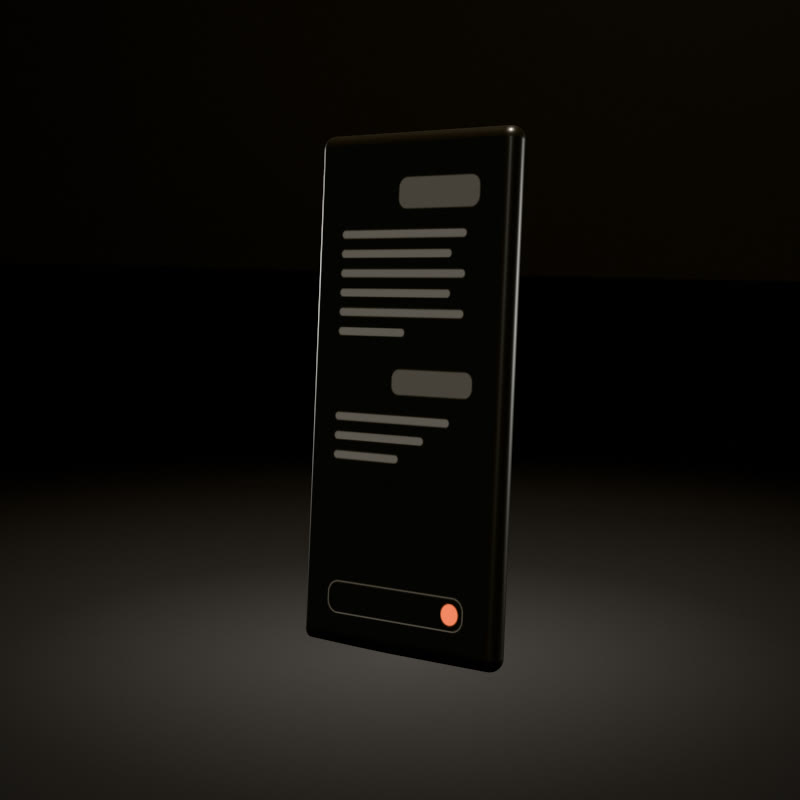
As simple as a regular chat